Oracle救砖——忘记root密码

Oracle救砖——忘记root密码
Alexei拉取Netboot镜像
首先,进入CloudShell,强制断电重启,按Esc进入Bios,拉取Netboot镜像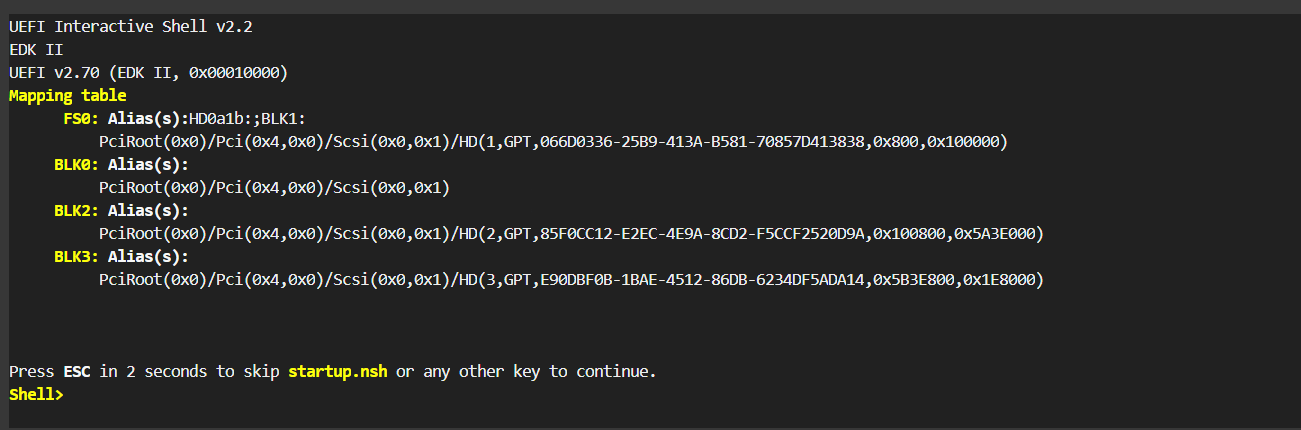
1 | FS0: |
1 | 日本 tftp 168.138.192.98 amd.efi |
如果出现time out,请到甲骨文虚拟云网络-安全列表放通udp请求
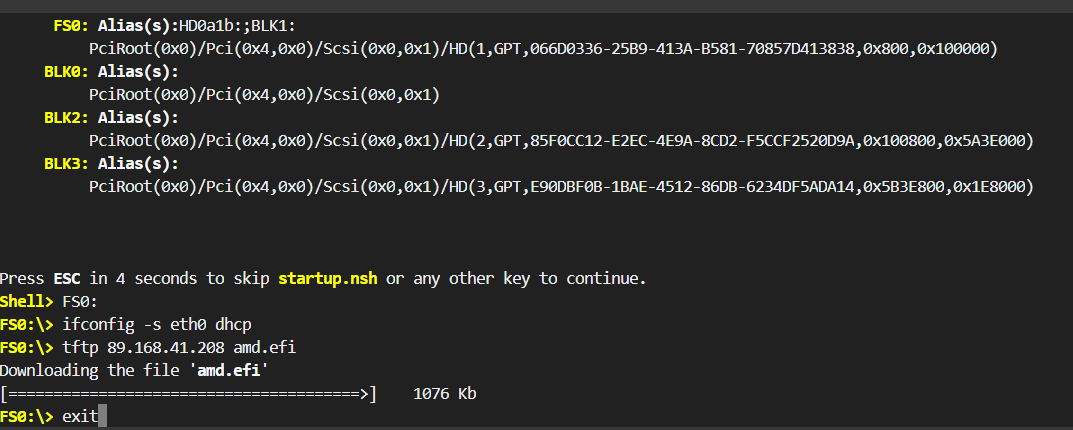
输入exit退出到BIOS ,esc退出到主页面Boot Maintenance Manager –> Boot from File–> 选择硬盘回车–> 选择镜像文件回车–> 成功进入 netboot.xyz
重置密码操作
netboot界面选择 Utilities(UEFI)
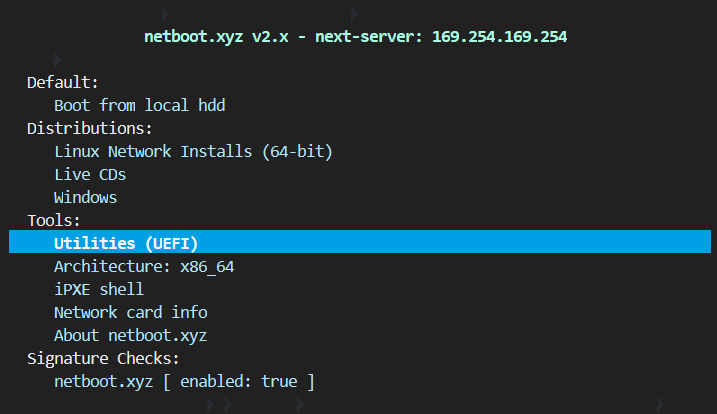
2.选择Kernel cmdline params
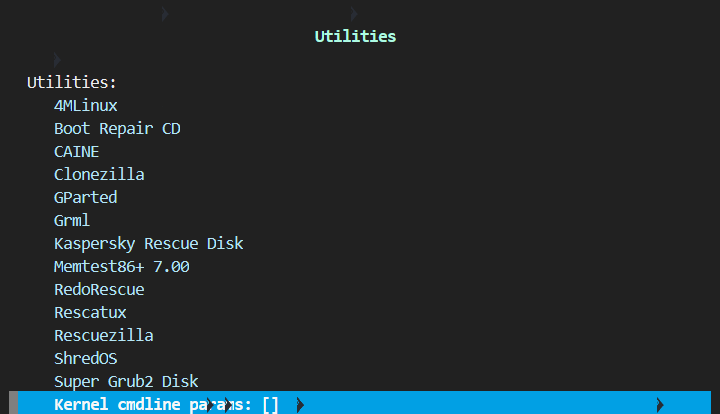
3.输入console=ttyS0,9600,回车,
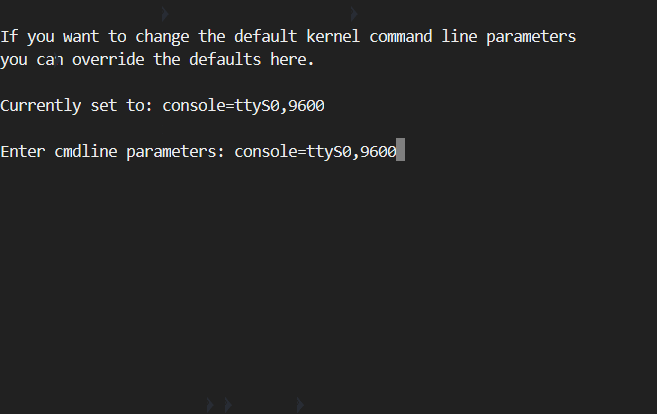
4.ESC退出到主页面
5.进入救援模式
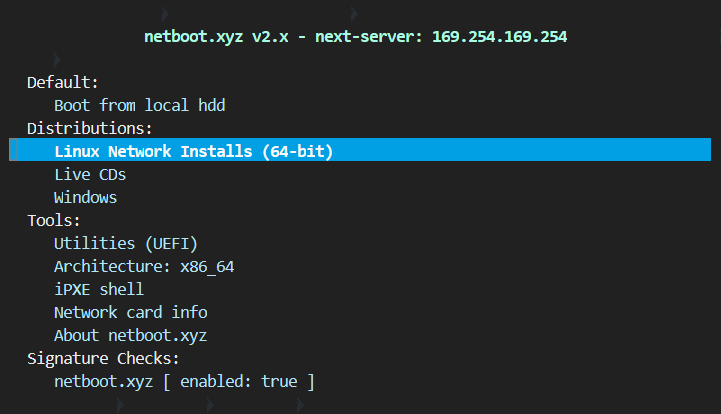
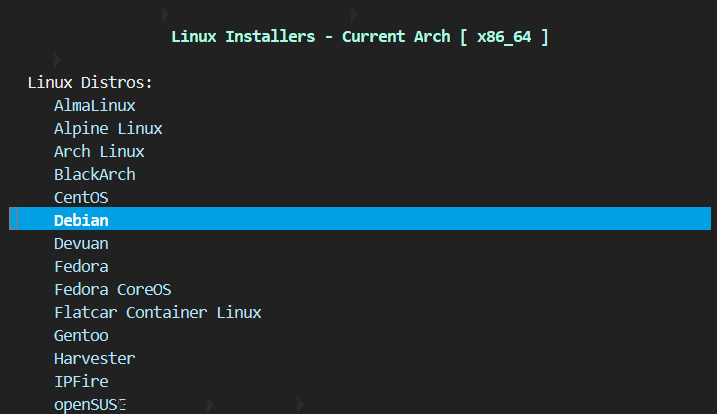
选择[Debian] ,不管是ubuntu,还是debian,都选Debian
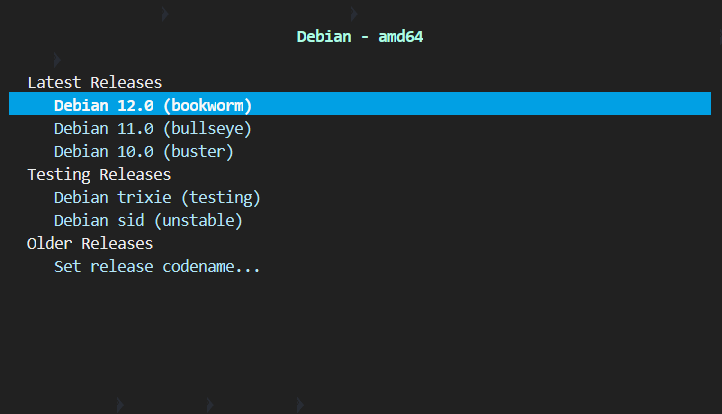
选择[Debian 12.0 (bookworm)] ,不管是什么版本,都选12.0
选择[Rescue Mode]
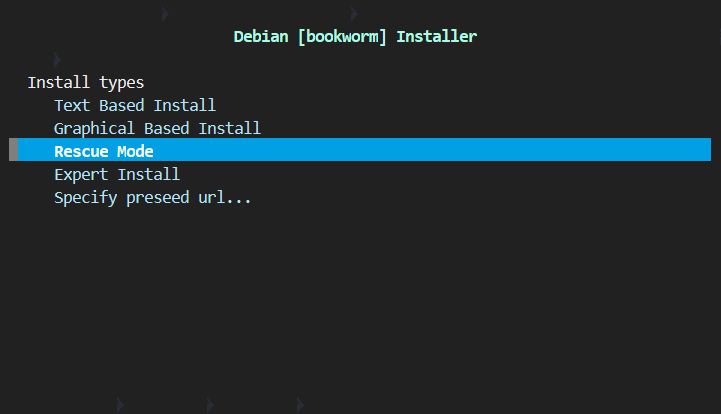
下面只截图关键的部分,这里有9个直接回车的操作;
[[!!] Select a language ]选择[English]直接回车;
[[!!] Select your location]直接回车;
[[!!] Configure the keyboard]直接回车;
[[!] Configure the network-Hostname:]直接回车;
[[!] Configure the network-Domain name:]直接回车;
[[!] Choose a mirror of the Debian archive-Debian archive mirror country: ]直接回车;
[[!] Choose a mirror of the Debian archive-Debian archive mirror:]直接回车;
[[!] Choose a mirror of the Debian archive-HTTP proxy information (blank for none):]直接回车;
[[!] Configure the clock]直接回车;
关键点截图来了
[[!!] Enter rescue mode]需要根据实际情况选择,通常是【sda1】,下面是两种不同系统的截图,均选择【sda1】:
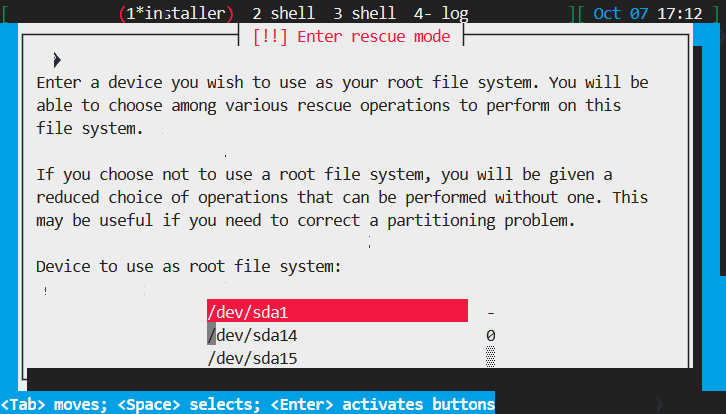
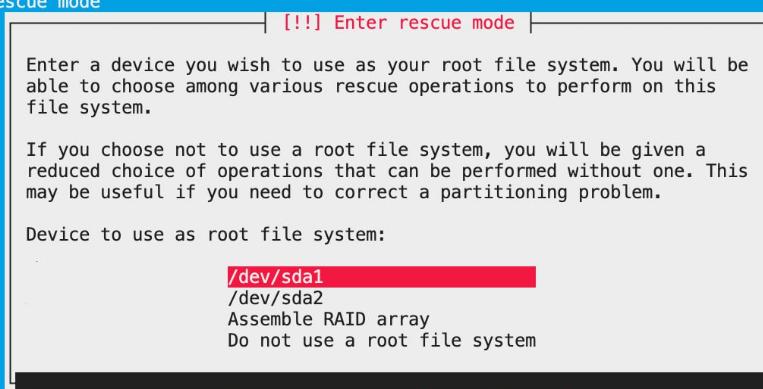
特殊情况
如果出现了了下面的红色警告的情况,请返回选择其他的【sda2】之类的尝试
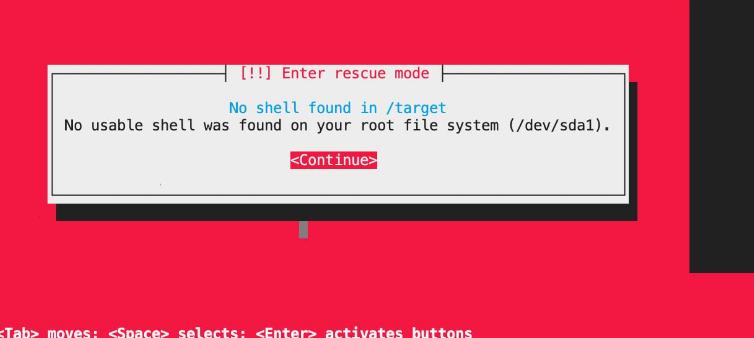
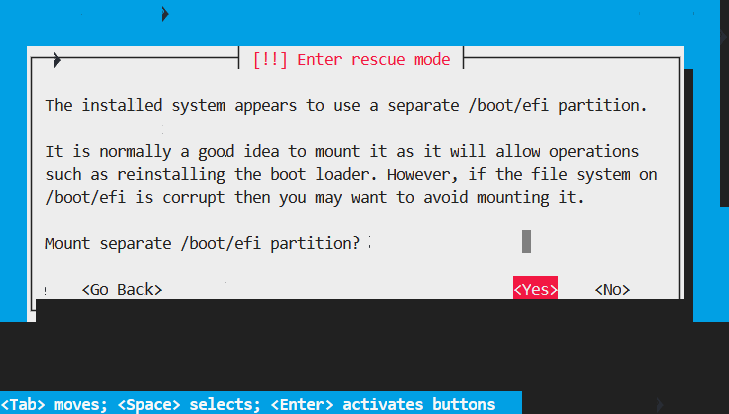
[ [!!] Enter rescue mode]选择[Yes]直接回车;
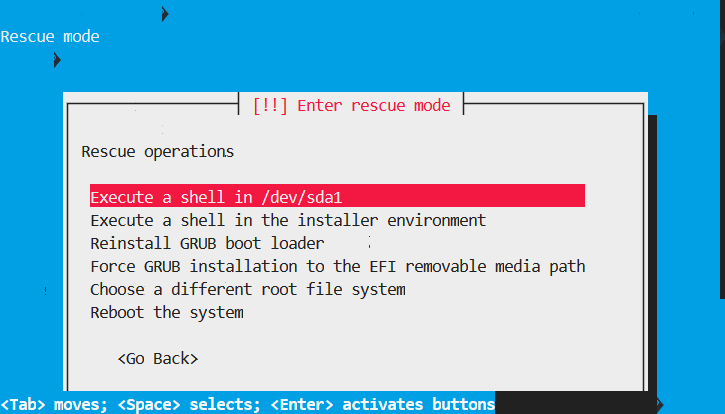
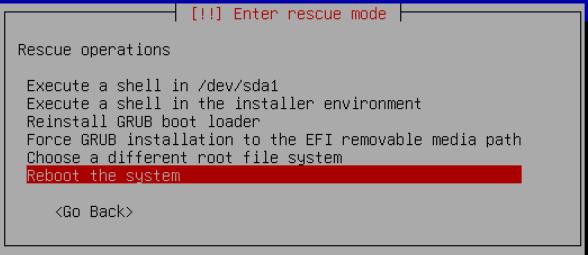
[[!!] Enter rescue mode]选择[Execute a shell in /dev/sda1];
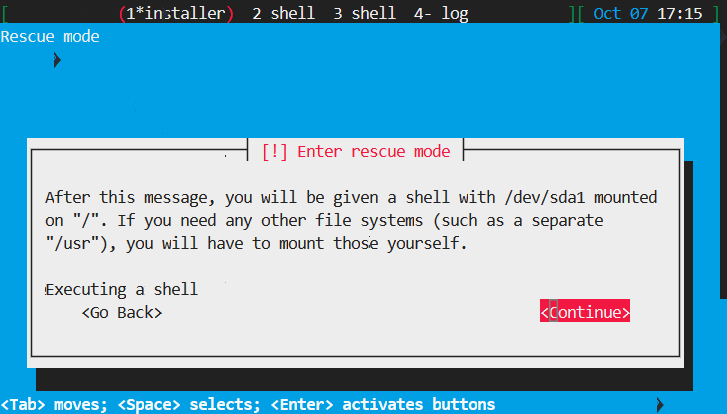
[ Executing a shell]选择[Continue]直接回车,
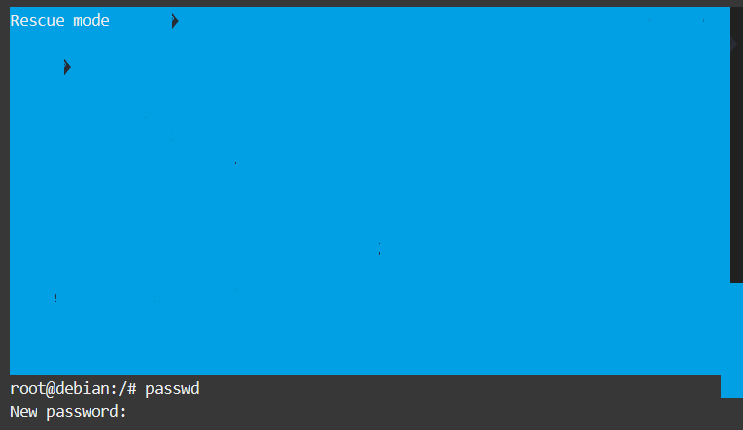
这个时候页面的最底部出现[root@debian:/#],
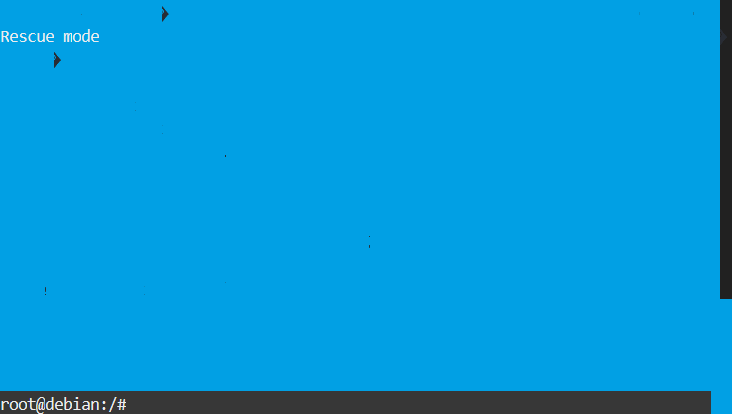
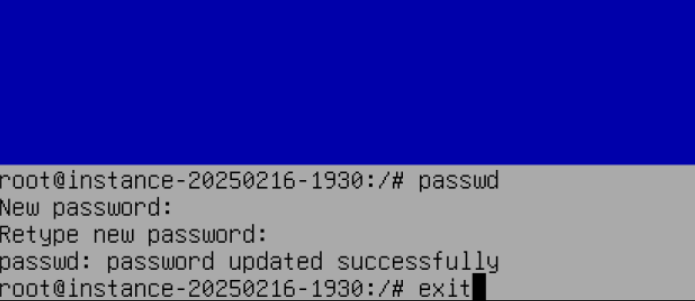
输入passwd,然后输入两次密码
输入exit,然后选择reboot the system 重启系统
如果原系统没有开启ssh的root账号密码登录,还想开启root,需要运行下面的语句
1 | sed -i 's/^#\?PermitRootLogin.*/PermitRootLogin yes/g' /etc/ssh/sshd_config |