Oracle重置实例密码——Netboot

Oracle重置实例密码——Netboot
Alexei适用的操作系统
本文测试过ubuntu20.04/Debian 11/12
下载netboot文件
- AMD
1
2
3
4
5
6
7
8
9
10
日本 tftp 168.138.192.98 amd.efi
韩国 tftp 152.70.37.174 amd.efi
凤凰城 tftp 129.213.138.77 amd.efi
tftp 129.146.176.181 amd.efi
圣地亚哥 tftp 146.235.243.104 amd.efi
圣保罗 tftp 146.235.27.19 amd.efi - Arm
1
2
3
4
5
6
7
8
9
10
日本 tftp 168.138.192.98 arm.efi
韩国 tftp 152.70.37.174 arm.efi
凤凰城 tftp 129.213.138.77 arm.efi
tftp 129.146.176.181 arm.efi
圣地亚哥 tftp 146.235.243.104 arm.efi
圣保罗 tftp 146.235.27.19 arm.efi
具体操作步骤
AMD重置密码
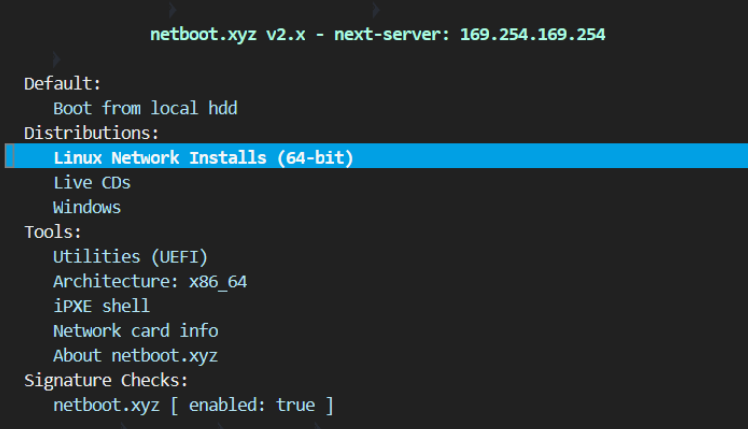
1、netboot界面选择Utilities(UEFI)
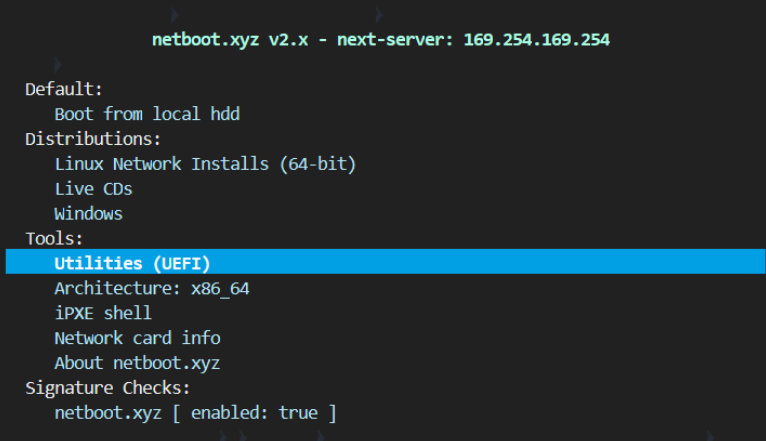
2、选择Kernel cmdline params
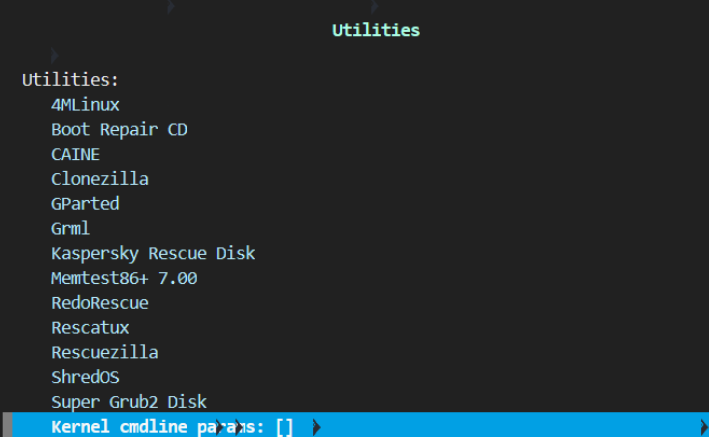
3、输入console=ttyS0,9600后回车
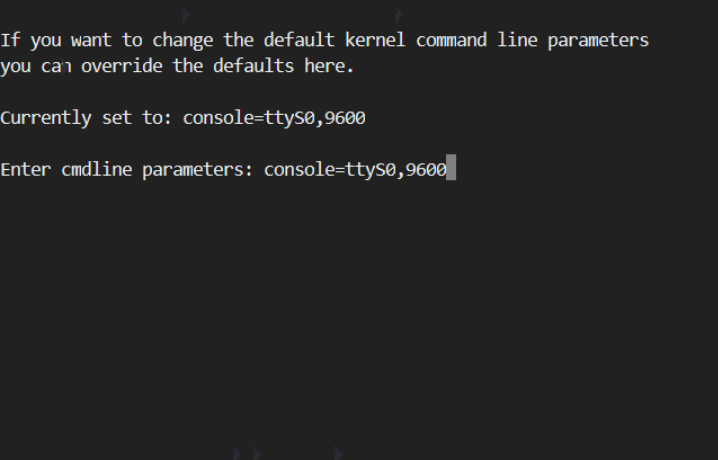
4、ESC退出到主页面
5、继续进行下面的Arm重置密码
Arm重置密码
1、选择Linux Network Installs (64-bit)
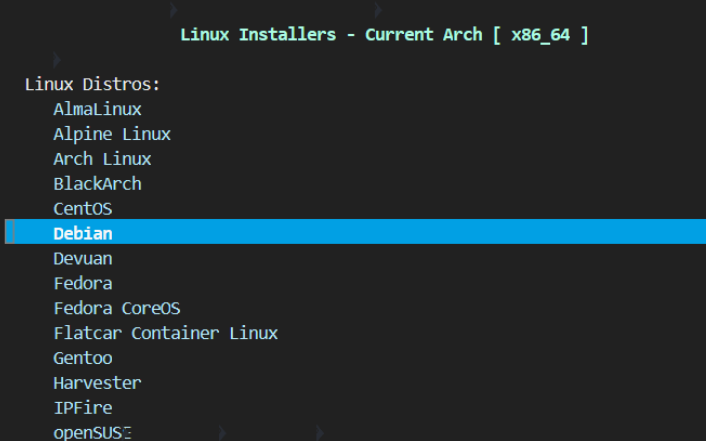
2、选择Debian,不管是ubuntu,还是debian,都选Debian
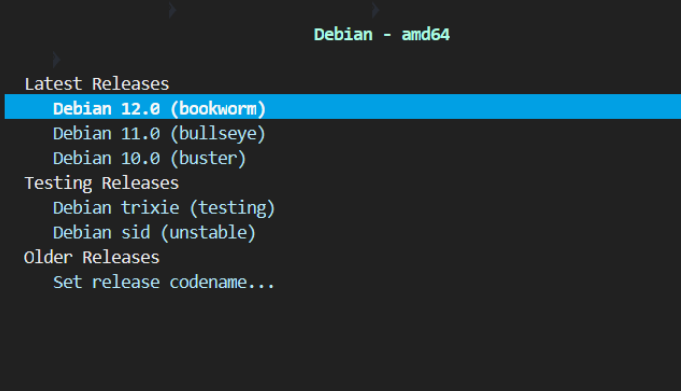
3、选择Debian 12.0 (bookworm),不管是什么版本,都选12.0
4、选择Rescue Mode

5、下面只截图关键的部分,这里有9个直接回车的操作
[!!] Select a language选择[English]直接回车;[!!] Select your location直接回车;[!!] Configure the keyboard直接回车;[!] Configure the network-Hostname:直接回车;[!] Configure the network-Domain name:直接回车;[!] Choose a mirror of the Debian archive-Debian archive mirror country:直接回车;[!] Choose a mirror of the Debian archive-Debian archive mirror:直接回车;[!] Choose a mirror of the Debian archive-HTTP proxy information (blank for none):直接回车;[!] Configure the clock直接回车;
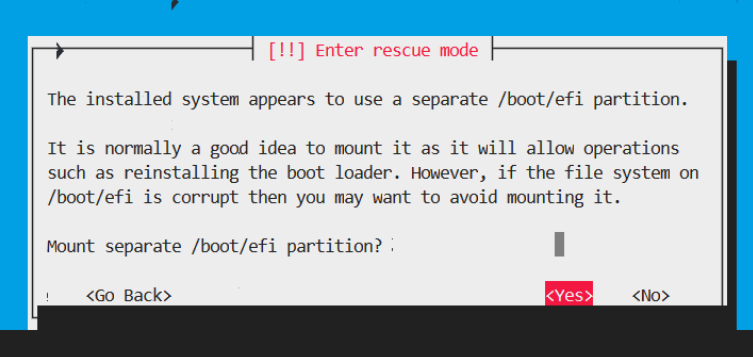
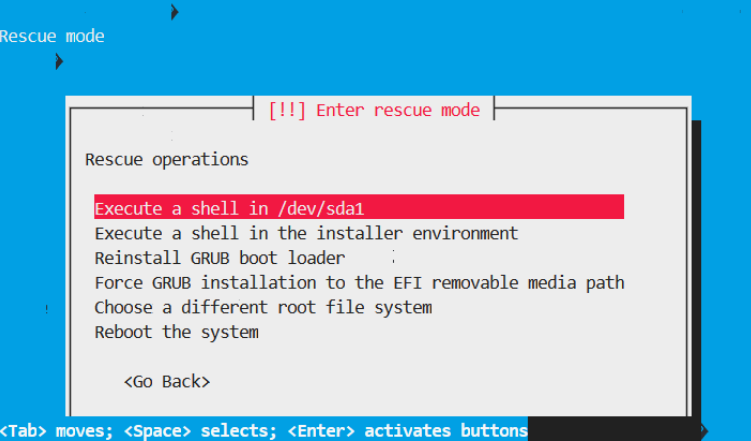
6、关键步骤[!!] Enter rescue mode需要根据实际情况选择,通常是sda1
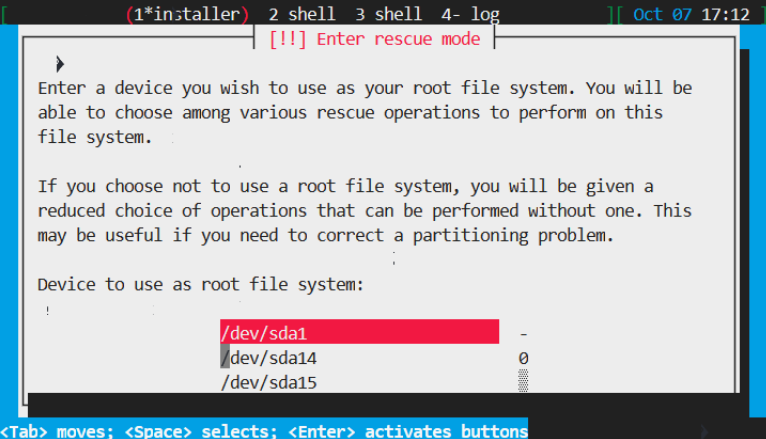
[!!] Enter rescue mode选择<Yes>
[!!] Enter rescue mode选择Execute a shell in /dev/sda1
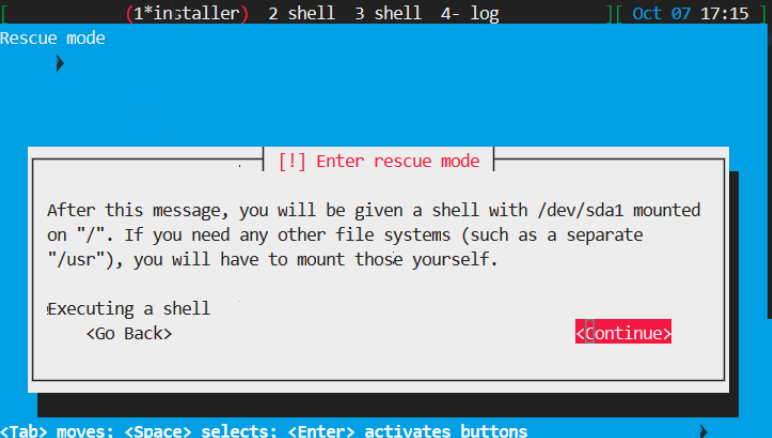
Executing a shell选择<Continue>然后直接回车
这个时候页面的最底部出现root@debian:/#
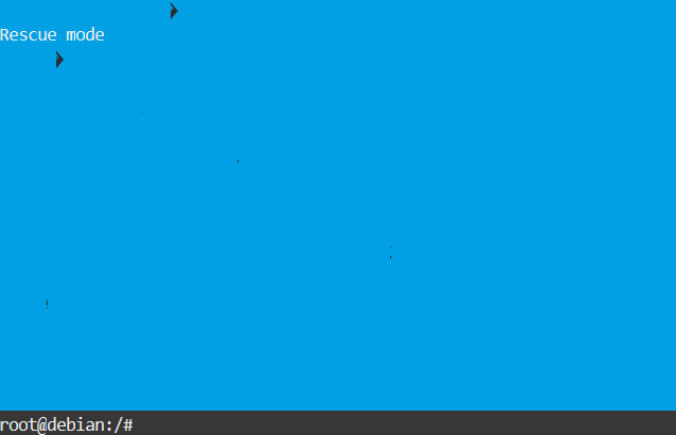
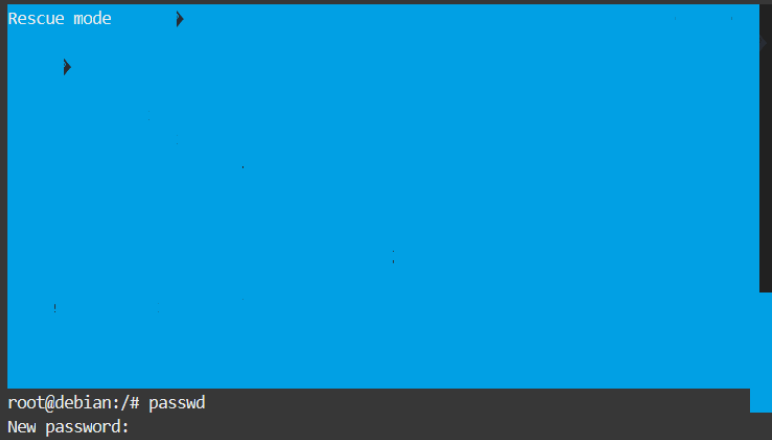
输入passwd,然后输入两次密码